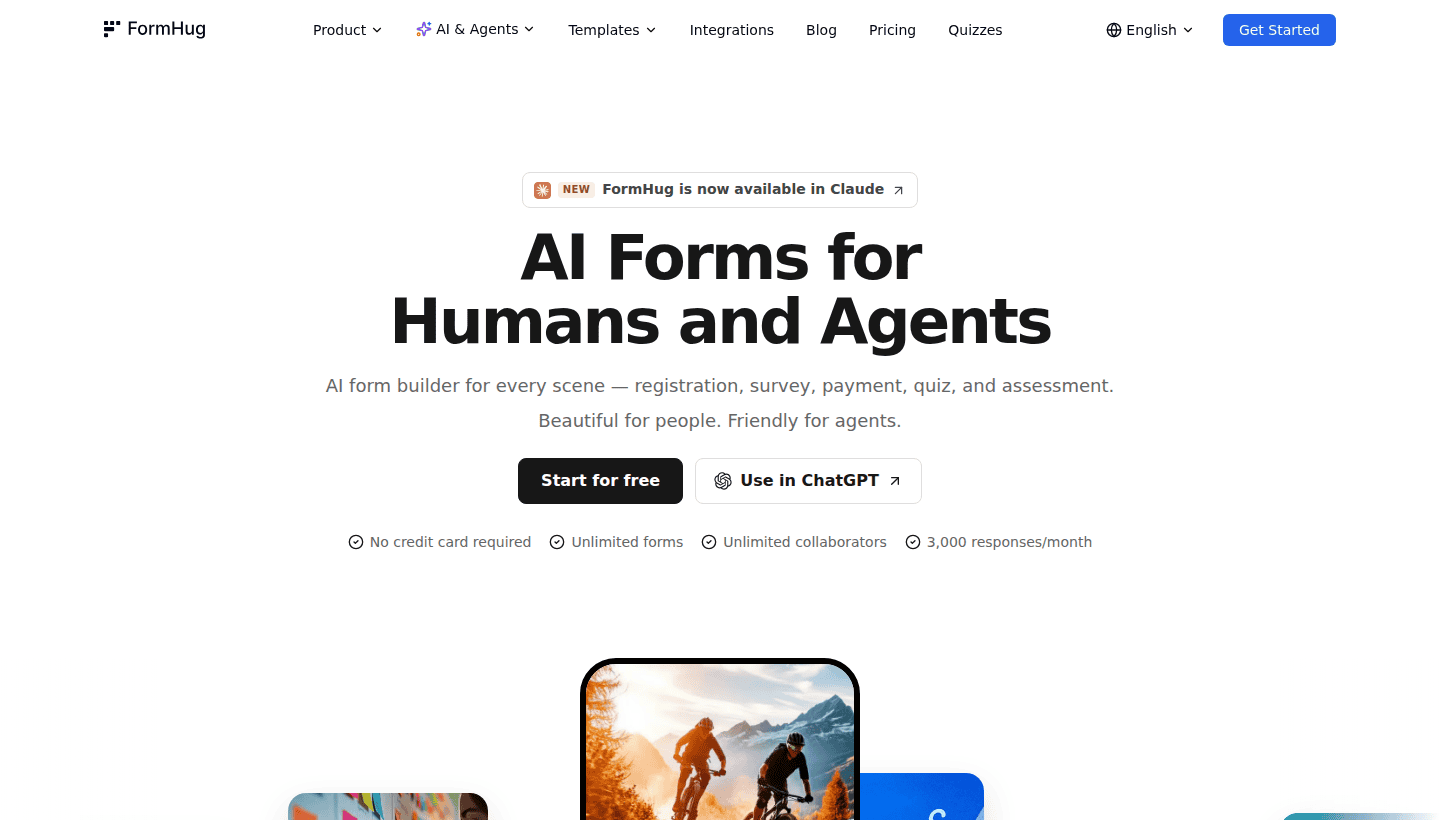
Most online forms are treated as a dead end: a visitor fills out a contact form, an email lands somewhere, and a person eventually decides what to do next. FormHug MCP makes a more interesting workflow possible. A form can remain simple for the visitor while an authorized agent can create forms, inspect submissions and prepare the next action inside the tools where an operator already works.
That does not turn every contact form into an autonomous business. It does create a useful option for a small agency, local-service operator or founder who needs structured intake without building a custom backend. The value comes from a better handoff between a human prospect, a form and a carefully limited workflow, not from letting an AI agent take unrestricted action.
| At a glance | What it means |
|---|---|
| Best fit | Small teams that need lead qualification, client intake, registrations, applications or internal requests to reach a repeatable review process. |
| Useful capability | An MCP-compatible assistant can work with forms and submissions through an authenticated connection instead of only drafting form questions. |
| Potential business value | A contained setup service: map an intake process, build the form, route the result and leave the client with a process they can supervise. |
| Main risk | The same connection can expose sensitive submissions or write-capable actions if the tool permissions and data handling are not deliberately constrained. |
| Good first test | One narrow form, one owner, one follow-up path and manual review of the first real submissions. |
What FormHug MCP changes
A normal form builder gives people a page to complete. An MCP-enabled form platform also gives an authorized AI client a structured way to work with the underlying form workspace. FormHug's public MCP documentation describes operations for creating and editing forms, reading entries and managing related workflow settings. That matters because an operator can move from a conversational planning session to a real intake process without manually rebuilding each field in another dashboard.
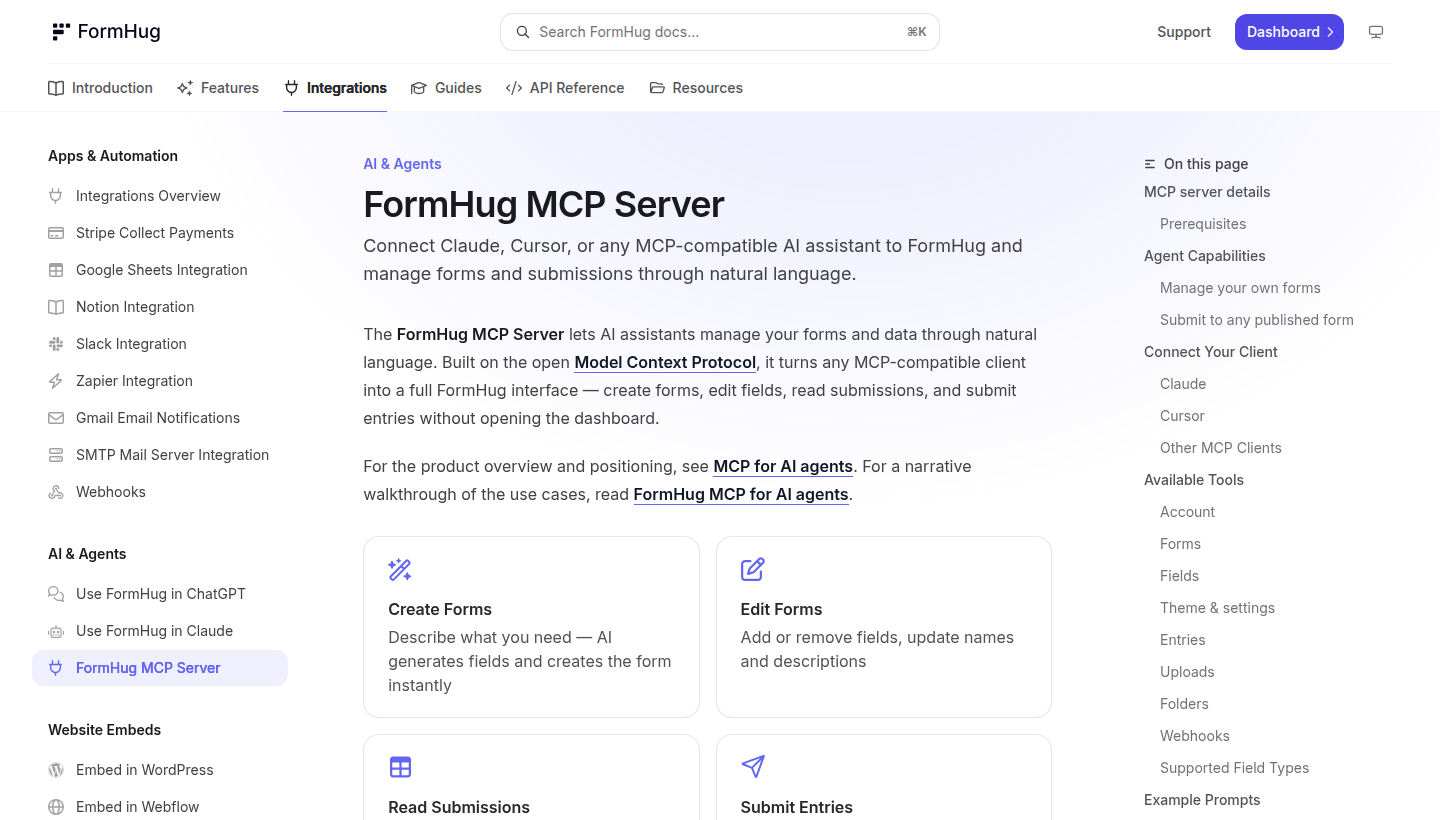
The important distinction is between suggestion and execution. A chatbot can suggest questions for a lead form. A connected tool can create or update the actual form, retrieve authorized submissions and help prepare a follow-up. That is useful only when the operator has decided which actions are safe to delegate and which ones still need a person.
A practical lead-capture workflow
| Stage | What the form does | What the workflow should do |
|---|---|---|
| Initial enquiry | Collect the service needed, location, budget range, timing and the prospect's preferred contact method. | Check that required fields are present and place the lead into a review queue. |
| Qualification | Use structured choices instead of a vague free-text box whenever the answer affects scope or urgency. | Summarize the submitted facts for a human to validate, rather than inventing missing details. |
| Follow-up preparation | Keep consent language and contact preferences visible to the person completing the form. | Draft a reply or task list that an owner can approve before sending. |
| Delivery handoff | Record the project requirements in a consistent format. | Create a client brief, ticket or checklist only after the correct internal owner has reviewed it. |
For a local website or automation service, this can be a cleaner first step than trying to build a large custom portal. Start with an enquiry form that captures the facts needed to quote accurately, then connect the reviewed result to an inbox, CRM or task board. The workflow stays useful even if the agent is switched off, because the form itself is still a clear intake surface.
Where the income opportunity actually sits
The sale is not a generic AI form. The sale is a contained operating improvement: fewer incomplete enquiries, faster qualification, a clearer handoff and less time copying details between tools. That is a service a small business can understand if the scope is specific.
| Service package | Deliverable | Why a client may pay |
|---|---|---|
| Lead intake cleanup | One enquiry form, required fields, confirmation message and a simple owner notification. | The business gets fewer back-and-forth messages before it can decide whether the lead fits. |
| Quote-request workflow | A form that collects job scope, photos or preferred dates, then creates a reviewable brief. | The owner starts each estimate with comparable information instead of scattered messages. |
| Registration or booking intake | A registration form with the questions and reminder path needed for one event or service. | The team can see the important details in one predictable place. |
| Internal request desk | A structured request form for staff, clients or contractors with a routing rule and manual approval point. | Routine requests are easier to triage without forcing every question through email. |
This is adjacent to n8n lead-generation workflows and no-code client automation. FormHug can be the structured collection layer, while a separate automation system routes approved information into the right place. It is also a useful addition to the broader AI tools for making money online conversation because it turns a vague chat instruction into a form a real customer can use.
Permissions, privacy and safety are the real product decision
MCP connections are powerful precisely because they can do more than read a web page. Before connecting an agent to a form workspace, inspect the available tool actions, authorization method and the data that the agent will be able to see. A lead form can hold names, email addresses, project details, budgets, files or other sensitive context. That is not a good place for broad, unsupervised automation.
Use a narrow permission model
- Start with read-only or review-oriented actions where possible, especially during the first client rollout.
- Use a dedicated workspace or form set for one client instead of mixing multiple clients into the same agent context.
- Keep destructive actions, broad exports and changes to public forms behind an explicit human approval step.
- Collect only the fields needed to qualify the enquiry or deliver the service. Extra data creates extra responsibility.
- Write an owner-facing runbook explaining who reviews submissions, where they go and what happens when the automation is unavailable.
Do not confuse structure with permission
A structured form can make data easier for an agent to process, but it does not grant a business permission to use that data however it wants. Keep privacy notices, consent language, retention rules and outreach practices appropriate for the country and the actual purpose of the form. For sensitive or regulated workflows, get specialist advice instead of treating a form tool as a compliance shortcut.
Pricing and plan limits: test the economics before packaging it
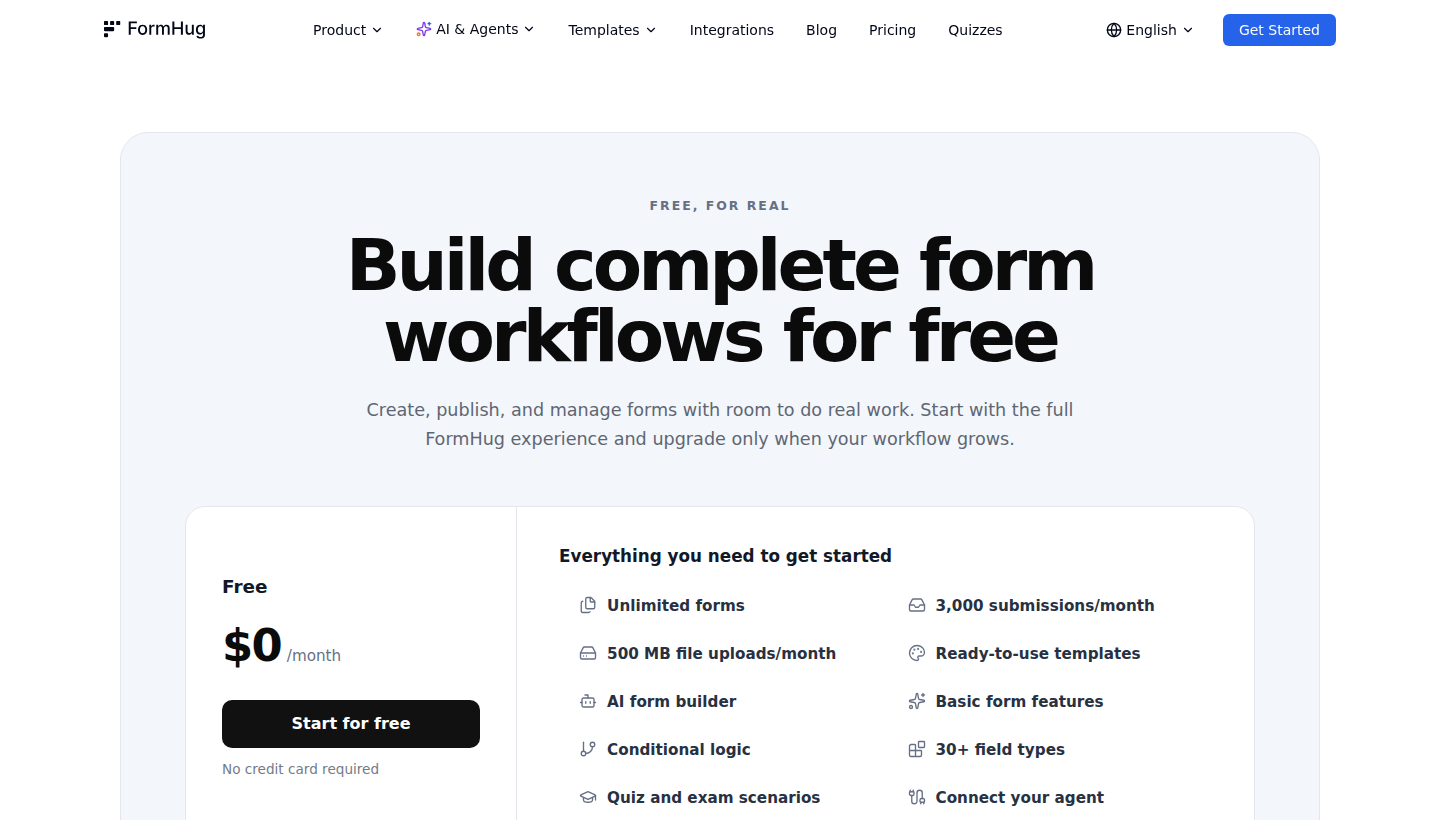
FormHug publicly offers a free entry point and paid plans. The useful question for a service provider is not whether a plan looks cheap on day one. It is whether the limits, collaboration needs, connected workflow and support burden still work after a client starts receiving real enquiries. Check the live pricing page before quoting or promising a fixed monthly cost.
| Before you sell a setup | Check this first |
|---|---|
| Submission volume | Estimate normal and peak form volume, not only the first month of a pilot. |
| Ownership | Decide whether the client owns the account and pays for it directly, or whether you are reselling a managed workflow. |
| Connected tools | Confirm where submissions must go and whether a webhook, CRM, email or spreadsheet route is genuinely needed. |
| Support boundary | Define whether your offer includes only the setup or also ongoing edits, troubleshooting and reporting. |
| Failure mode | Make sure the client can still receive and act on submissions if an agent connection or downstream automation breaks. |
When a normal form is enough
MCP is not automatically better. A normal form is usually enough when the client only needs a contact form, a basic registration page or a straightforward survey that one person checks manually. Adding agent access can create more setup, permissions and support work than the business actually needs.
| Situation | Better starting point |
|---|---|
| A simple contact page with a few enquiries each week | A standard form plus email notification and a clear response process. |
| A team already committed to a specific ecosystem | Use the form tool and integrations they already understand before adding another platform. |
| Complex enterprise approvals or deeply customized CRM rules | Evaluate a mature enterprise form stack and involve the internal IT or security owner. |
| An AI-assisted workflow with repeating intake and review steps | A narrow MCP pilot can be worth testing with strict permissions and a named human owner. |
A safer first experiment
- Pick one repeatable intake problem, such as website quote requests or a client onboarding questionnaire.
- Define the minimum fields that let a human decide the next step without another basic clarification email.
- Build the form, test it yourself, and confirm the confirmation message, routing and owner notification all make sense.
- Connect an agent only to the tasks it needs to help with, then review its outputs before any external action.
- Measure whether the client saved time, received more complete enquiries or reduced missed follow-ups before expanding the setup.
Frequently asked questions
Can FormHug MCP replace a CRM?
No. It can collect and expose structured form data to an authorized workflow, but a CRM is designed for longer-lived customer records, pipelines, reporting and team processes. For many small businesses, the sensible path is a clean form first and a simple handoff into the system they already use.
Can an agent send replies automatically?
A connected workflow may be able to prepare or trigger follow-up steps, but automatic replies should be treated cautiously. Start with draft replies or a review queue, especially where quotes, personal data, regulated services or client commitments are involved.
Is it only useful for technical teams?
No, but it benefits from technical discipline. A non-technical operator can still benefit from a carefully scoped setup if someone takes responsibility for permissions, data flow, maintenance and the point where a human reviews the result.
Bottom line
FormHug MCP is interesting because it makes forms usable inside an agent workflow, not just as pages that collect answers. That can support better lead capture, client intake and internal requests when the workflow is narrow and the owner stays in control.
The winning offer is likely a small, supervised intake system that saves a business time. Start with one form, one workflow and one measurable improvement. If that is useful, expand deliberately. If a basic form and inbox already solve the problem, keep the stack simple.