n8n is interesting for BuildForIncome because it sits between no-code automation and real technical control. It can be used like Zapier for simple workflows, but it also gives technical operators enough flexibility to build more serious lead-generation systems.
This is not a hands-on n8n implementation case study. I have not sold a client an n8n lead-generation system from this article. The useful question is narrower: based on the current public product pages, workflow library, repository and software-directory signals, when could n8n help a small agency or solo operator package prospect research as a paid service?
| Quick verdict | What to know |
|---|---|
| Best fit | Technical freelancers, small agencies and operators who want repeatable prospect research, enrichment, CRM updates and review queues. |
| Money-making path | Sell a setup, monthly maintenance, reporting or lead-research service that saves clients time or feeds a sales pipeline. |
| Main risk | Automation can create bad data, spammy outreach or compliance problems if it skips human review. |
| Worth testing when | You can start with one niche, one data source, one approval queue and clear quality checks. |
| Avoid when | The client expects guaranteed leads, bought contact lists, fully automatic cold outreach or no maintenance work. |
What n8n is
n8n publicly describes itself as an AI workflow automation platform that combines AI capabilities with business process automation. The homepage positioning is broader than lead generation: it is about building workflows, connecting tools, using AI where useful and keeping enough control for technical teams.
That makes it a good fit for people who want to sell practical automation, not just publish another list of AI tools. For a BuildForIncome reader, the commercial angle is not that n8n magically creates customers. The angle is that it can turn a messy manual process into a repeatable service.

Why lead generation is a natural use case
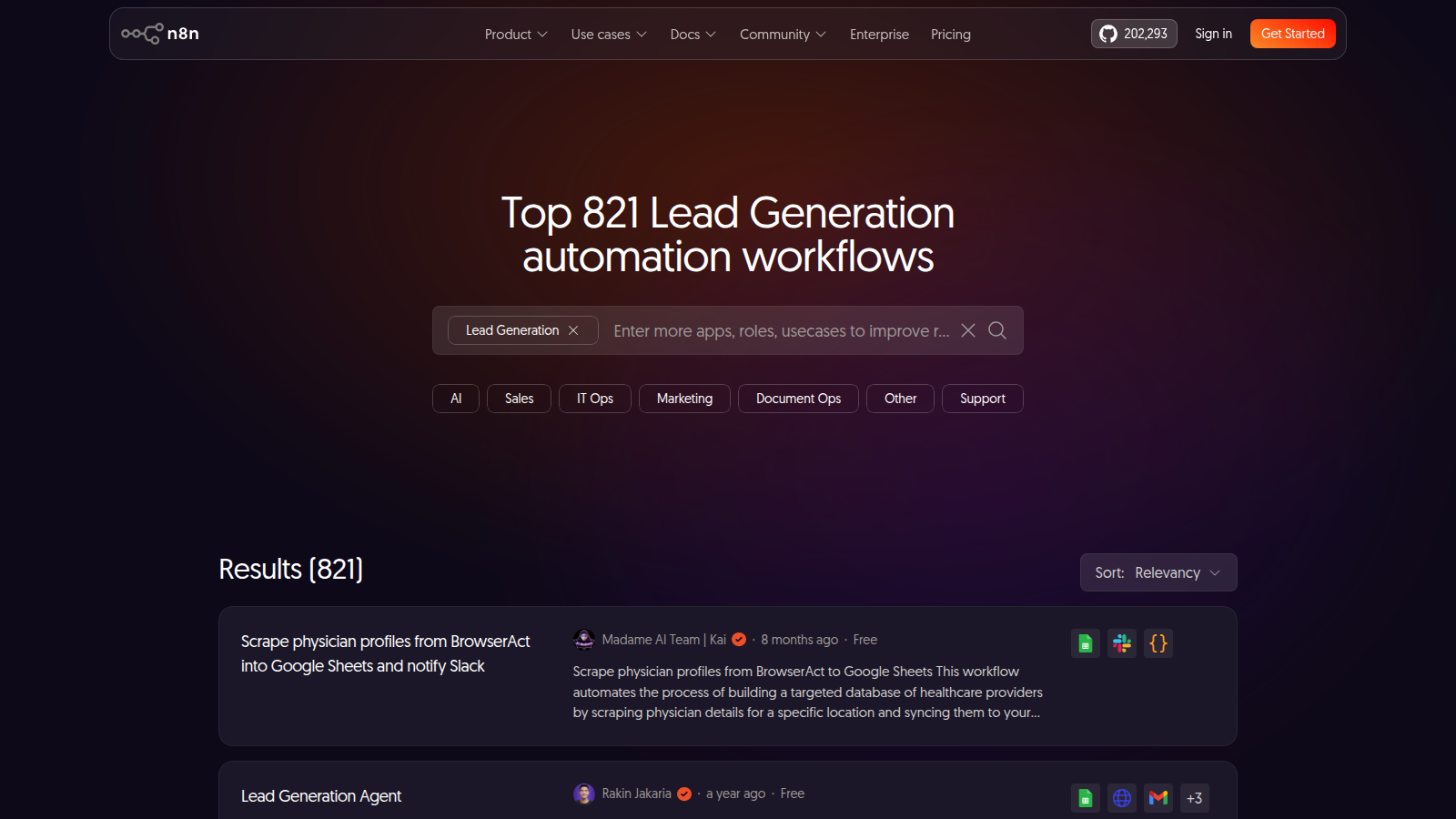
The official n8n lead-generation workflow category was reachable in this run and reported hundreds of community lead-generation automation workflows. That does not prove every workflow is good, but it does show that lead research, enrichment and handoff workflows are a major use case for the platform.
| Workflow area | What n8n can help coordinate | Human gate to keep |
|---|---|---|
| Prospect discovery | Pull rows from forms, spreadsheets, directories, internal lists or approved APIs. | Check that the source is allowed, relevant and not just scraped noise. |
| Enrichment | Add company websites, categories, locations, social links or CRM fields using connected services. | Manually spot-check a sample before using the data. |
| Scoring | Apply simple rules such as location, website quality, niche, team size or recent activity. | Review borderline leads instead of letting a score decide everything. |
| CRM handoff | Create tasks, update a pipeline, notify Slack/email, or prepare a review sheet. | Keep outreach approval separate from data collection. |
A realistic agency service package
The easiest service to sell is not ‘AI agents that get you customers while you sleep'. A safer offer is a prospect-research operating system: define the ideal customer profile, collect leads from approved sources, enrich them, score them, and deliver a weekly reviewed shortlist.
| Package | What the client gets | Why it can be valuable |
|---|---|---|
| One-time setup | A basic n8n workflow, connected spreadsheet/CRM, rules and a handoff dashboard. | Good for clients who already do outreach manually but waste time collecting data. |
| Monthly lead research | A maintained workflow plus a reviewed batch of qualified prospects each week or month. | Recurring value comes from data cleanup, tuning and operational discipline. |
| CRM hygiene | Automatic enrichment, deduplication and follow-up task creation for existing leads. | Often less risky than cold prospecting because the client already owns the pipeline. |
| Reporting layer | Weekly lead-source, quality and conversion reports. | Helps the client see what sources actually produce useful conversations. |
Example local-business prospect workflow
A small operator could build a workflow around one narrow niche, such as local trades, beauty businesses, accountants or small ecommerce shops. The workflow should gather candidate businesses, check whether the website and contact path look usable, score obvious fit signals, then send everything to a review sheet before any message goes out.
- Start with a tightly defined niche and location instead of scraping the whole internet.
- Use approved data sources and respect website terms, rate limits, privacy rules and email laws.
- Separate prospect research from outreach. Automation can prepare leads; a human should approve contact decisions.
- Track which source produced replies, not only how many rows were collected.
Where n8n looks useful
- It has a visual workflow builder but still allows technical depth when a client workflow needs custom logic.
- The public GitHub repository and Product Hunt page support that n8n is an established workflow-automation product, not a tiny one-page AI wrapper.
- Lead-generation templates can speed discovery, but the strongest business value is adapting them to one client's niche and data quality rules.
- Self-hosting and technical control can matter for agencies that do not want every workflow trapped inside a closed no-code tool.
Where to be skeptical
- A lead-generation workflow is only as good as its source data. Automation can multiply bad inputs quickly.
- Contact enrichment can become expensive or inaccurate if the workflow calls paid APIs without caps and review steps.
- Cold outreach is regulated and reputation-sensitive. Do not turn n8n into an unattended spam machine.
- Pricing, cloud limits, execution limits and self-hosting responsibilities should be checked on the current pricing and documentation pages before selling a fixed-price package.
- No workflow tool can guarantee replies, booked calls, clients or revenue.
n8n vs Clay, Apollo, Gumloop and Zapier Agents
| Tool angle | Better for | Main caution |
|---|---|---|
| n8n | Technical operators who want flexible workflow logic, integrations, AI steps and optional self-hosting. | More setup and maintenance than simpler no-code tools. |
| Clay | GTM engineering, enrichment and sales-data workflows for B2B teams. | Credit costs and data quality need tight control. |
| Apollo / Instantly | Outbound databases, sequencing and sales engagement. | Deliverability and compliance risk rise if the process is too aggressive. |
| Gumloop / Zapier Agents | No-code AI workflow experiments and lighter client automations. | May be easier to start but less flexible for complex technical workflows. |
A safer first test plan
| Step | What to do | Why it matters |
|---|---|---|
| 1 | Pick one niche and one lead source. | Narrow inputs make quality problems easier to see. |
| 2 | Create a draft workflow that writes to a review spreadsheet only. | Do not send messages or update a client's CRM automatically at first. |
| 3 | Manually inspect 25-50 rows. | This catches bad sources, duplicates, wrong categories and false positives. |
| 4 | Add scoring rules after reviewing real data. | Rules work better when they come from observed mistakes. |
| 5 | Only then connect notifications, CRM tasks or outreach-prep steps. | The workflow becomes safer once quality is proven. |
When it is worth testing
- You already understand the client's ideal customer and can judge lead quality.
- The workflow saves time on research, enrichment, dedupe or reporting without removing human judgement.
- You can charge for implementation, maintenance, cleanup and iteration rather than promising pay-per-lead miracles.
- You want to build a service around practical automation, which fits the same broader lane as BuildForIncome AI tools coverage and online-business systems.
When to avoid it
- Avoid it if the client wants fully automatic cold outreach with no review.
- Avoid it if the source data is questionable, prohibited, stale or too broad to be useful.
- Avoid it if API costs, execution limits or maintenance time make the service unprofitable.
- Avoid it if the real bottleneck is offer quality, sales follow-up, reputation or conversion rather than finding more names.
n8n also pairs naturally with BuildForIncome's other automation topics. AI SEO tools such as SEObotAI and SEOmatic try to automate traffic generation. A tool like n8n can automate the operating layer around leads, reporting and handoffs. Those are different jobs, and the best small-business systems usually keep them separate.
If your main problem is traffic rather than prospect operations, SEObotAI is the closer tool to compare. It focuses on autonomous SEO content, keyword research and internal-link workflows, while n8n is better treated as the automation layer around leads and handoffs.
Bottom line
n8n is a strong BuildForIncome topic because it connects AI agents, no-code automation, technical services, lead research and client income. The opportunity is not hands-free prospecting. It is building a controlled workflow that turns messy research into a repeatable deliverable.
The safest way to test it is boring on purpose: one niche, one workflow, one review queue, capped API calls, no automatic outreach, and a clear decision rule. If the reviewed leads are useful enough that a client would pay for them, then the workflow deserves more automation. If the data is noisy, fix the process before scaling it.